
Top 5 Xodo Sign alternatives
Author
Kirk Pepi
Published
Sep 15, 2025
Categories
eSigning
Read time
7 mins
Not sure if Xodo Sign is the right fit? We’ve rounded up five leading eSignature platforms that may suit your needs better. See how each compares on cost, functionality and ease of use before you decide.
4 [{"lang":"vi","url":"/vi/blog/giai-phap-thay-the-cho-xodo-sign/"},{"lang":"es-es","url":"/es/blog/alternativas-a-xodo-sign/"},{"lang":"fr-fr","url":"/fr/blog/alternatives-a-xodo-sign/"},{"lang":"pt-pt","url":"/pt/blog/alternativas-ao-xodo-sign/"}]You can also read this article in Tiếng Việt, Español, Français and Português.
Table of contents
- 1. Lumin Sign
- 2. Docusign
- 3. Acrobat Sign
- 4. Dropbox Sign
- 5. PandaDoc
- 6. How to find the perfect eSignature tool
Share this post
If you want to collect digital signatures without the fuss, Xodo Sign (formerly eversign) can definitely help. It simplifies the entire eSignature workflow, from start to finish, letting you send and manage legal agreements and other documents in just a few steps.
With features such as multiparty signing, mobile signature capture and a drag-and-drop interface, Xodo Sign might be a good choice for your team. However, it's certainly not the only option available. Other platforms offer similar or more specialized features to fit your needs, so it’s worth looking elsewhere.
We've reviewed the top five Xodo Sign alternatives based on pricing, user feedback and other factors so you can find the eSignature solution that works best for you.
Note: All prices listed are for monthly subscriptions. Annual plans may work out cheaper if available.
Lumin Sign
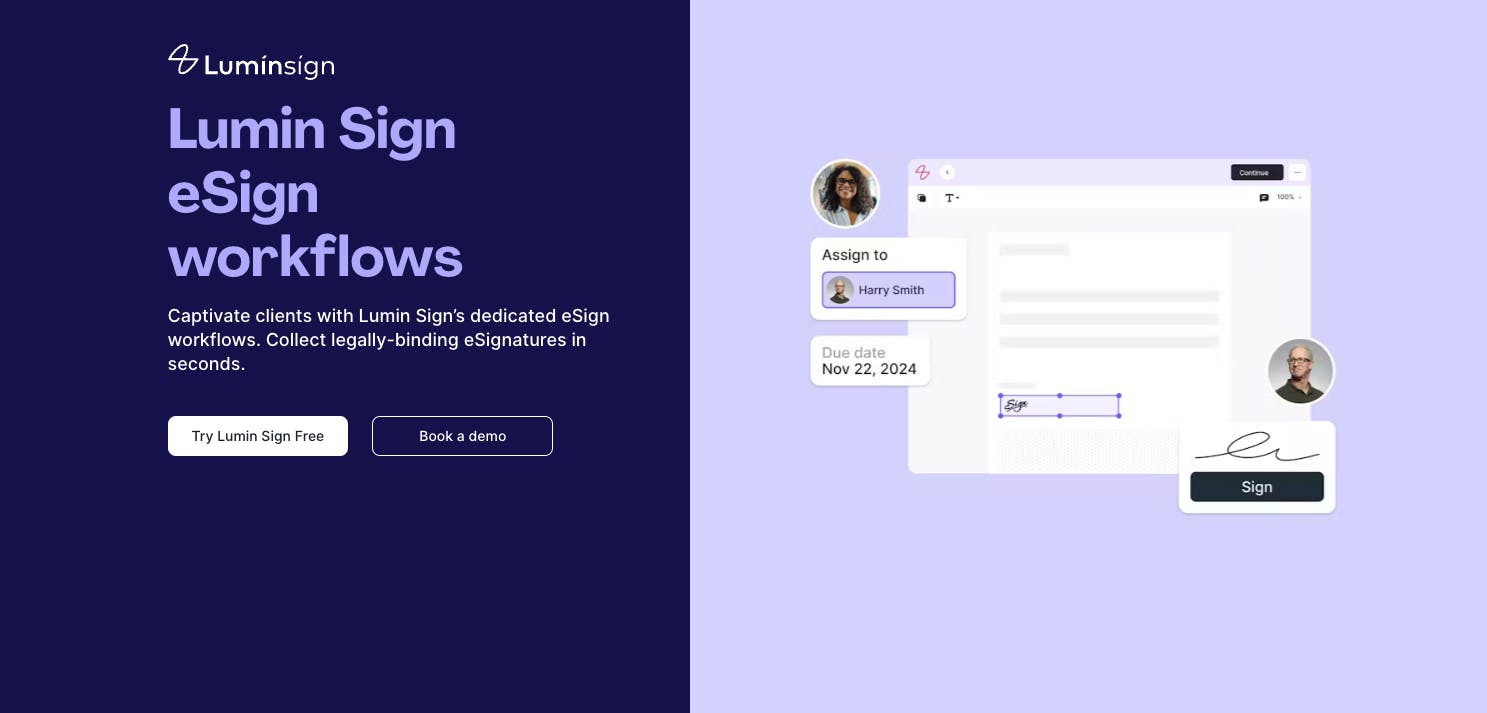
Lumin Sign is a full-service eSignature workflow platform for requesting, collecting and managing legally binding signatures in one place. Want to send a contract or other document for signing? You can do it in just a few clicks, making life much easier for your busy team. Lumin Sign is also significantly less expensive than many of its competitors - a major plus for SMBs and smaller businesses in particular.
Salesforce, Costco and many other businesses rely on Lumin Sign for eSignature workflow automation, and it's not difficult to see why. The platform complies with international signing standards, ensuring your signed documents are secure and compliant at all times. It also offers a mobile app, so you can collect signatures on the go.
Xodo Sign and Lumin Sign share many features, including multiparty signing, document tracking and audit trails - which let you know who signed an agreement and when.
Lumin integrates with a broad range of platforms, including Google Drive, Microsoft OneDrive, Zapier, Dropbox and many more.
Both tools have an easy-to-use interface, so you can gather eSignatures even if you lack experience.
Key differences with Xodo Sign
One difference is that Xodo Sign offers in-person signing, letting you collect signatures on your device during a meeting or other physical interaction. Lumin Sign, on the other hand, only supports eSignatures. This won't be a problem for most teams, since Lumin allows documents to be signed remotely from anywhere in the world.
Both platforms have a free tier with limited features. However, Lumin Sign's plan offers five free documents for signing per month, while Xodo Sign's offers three free documents per month. You can also add fillable fields, multiple signers and due dates to documents with Lumin Sign's free plan.
Lumin Sign and Xodo Sign have free trials, letting you try different features before committing to a plan. Lumin Sign's trial lasts for 7 days, while Xodo Sign's lasts for 14 days, giving you a bit more time to test everything out.
Price comparison
Lumin Sign's Pro plan costs $18 per user per month. Xodo Sign's Professional plan costs $32 per seat per month, making it $14 more expensive despite having similar features.
How does Lumin Sign rate?
- G2: 4.5/5
- Trustpilot: 4/5 (Average user score for Lumin as a whole, not just Lumin Sign)
- Capterra: No rating at this time
Docusign
When looking for an alternative to Xodo Sign, consider Docusign. It's one of the most popular eSignature tools on the market, offering a wide range of features and pricing plans. With Docusign, you can request signatures, track documents in real time, set automatic reminders for signees to take action and store signed documents securely.
Docusign has more advanced features than Xodo Sign, but this comes at a higher cost, as you'll find out later on. Many basic features overlap, so Xodo Sign may be a more cost-effective solution if you only need the essentials.
Key differences with Xodo Sign
Docusign and Xodo Sign integrate with various third-party software and apps, including Dropbox, OneDrive and Google Docs. However, Docusign connects with far more tools overall, offering over 900 separate integrations. That said, you can build custom integrations with Xodo Sign's API if an out-of-the-box connection isn't available.
Another difference between these platforms is that Docusign offers phone support, while Xodo Sign doesn't, though you can still contact a member of the Xodo team by email or live chat if you need help.
With more features and capabilities, you might find that Docusign is a more difficult platform to use. Xodo Sign has a simpler learning curve and a more streamlined interface.
Price comparison
Docusign's Business Pro plan is similar to Xodo Sign's Professional plan in terms of features. However, there are stark differences in price: Docusign's tier costs $65 per user per month, while Xodo Sign's costs just $32 per user per month. This makes Xodo Sign the more budget-friendly option.
You can sample Docusign's features for free with a 30-day trial, which is 16 days longer than Xodo Sign's trial.
How does Docusign rate?
Acrobat Sign
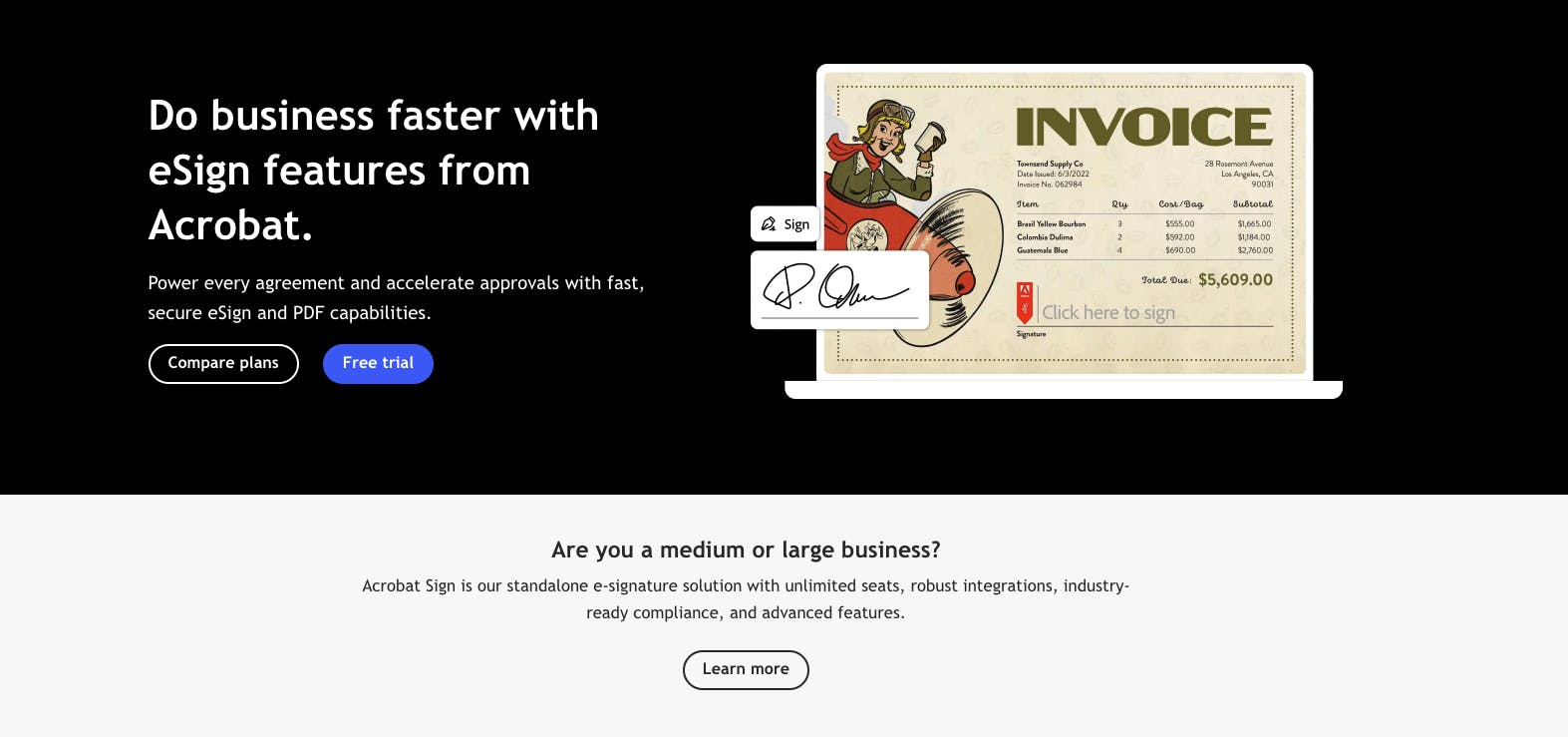
Acrobat Sign is an eSignature workflow automation platform from Adobe that simplifies document signing, tracking and management. Like Docusign, it's one of the most popular tools of its kind on the market, offering features such as data analytics, document templates and mobile signing.
It also has capabilities that you won't find on Xodo Sign, including native integration with Acrobat Reader, Document Cloud and other products in the Adobe software suite.
Key differences with Xodo Sign
If you frequently use other Adobe products, you'll find Acrobat Sign's menus and interface familiar, making it easy to navigate. Those outside the Adobe ecosystem may prefer Xodo Sign for its simple and intuitive design, which has fewer distractions and clearer workflows.
Acrobat Sign doesn't have a free tier, meaning you'll need to sign up for a paid subscription if you want to use it long-term. The only way to try out features is to take out a 30-day free trial.
One advantage that Acrobat Sign has is its security, which benefits from Adobe's world-class infrastructure. This may offer more protection than a smaller company like Xodo Sign.
Price comparison
Acrobat Sign's Pro plan is most comparable to Xodo Sign's Professional plan when it comes to features. It costs $23.99 per license per month (with a minimum of two licenses), with each user requiring their own license.
How does Acrobat Sign rate?
- G2: 4.4/5
- Trustpilot: No rating at this time
- Capterra: No rating at this time
Note: Trustpilot and Capterra have ratings for Adobe and Adobe Acrobat, respectively. However, there are no ratings for Acrobat Sign specifically.
Dropbox Sign
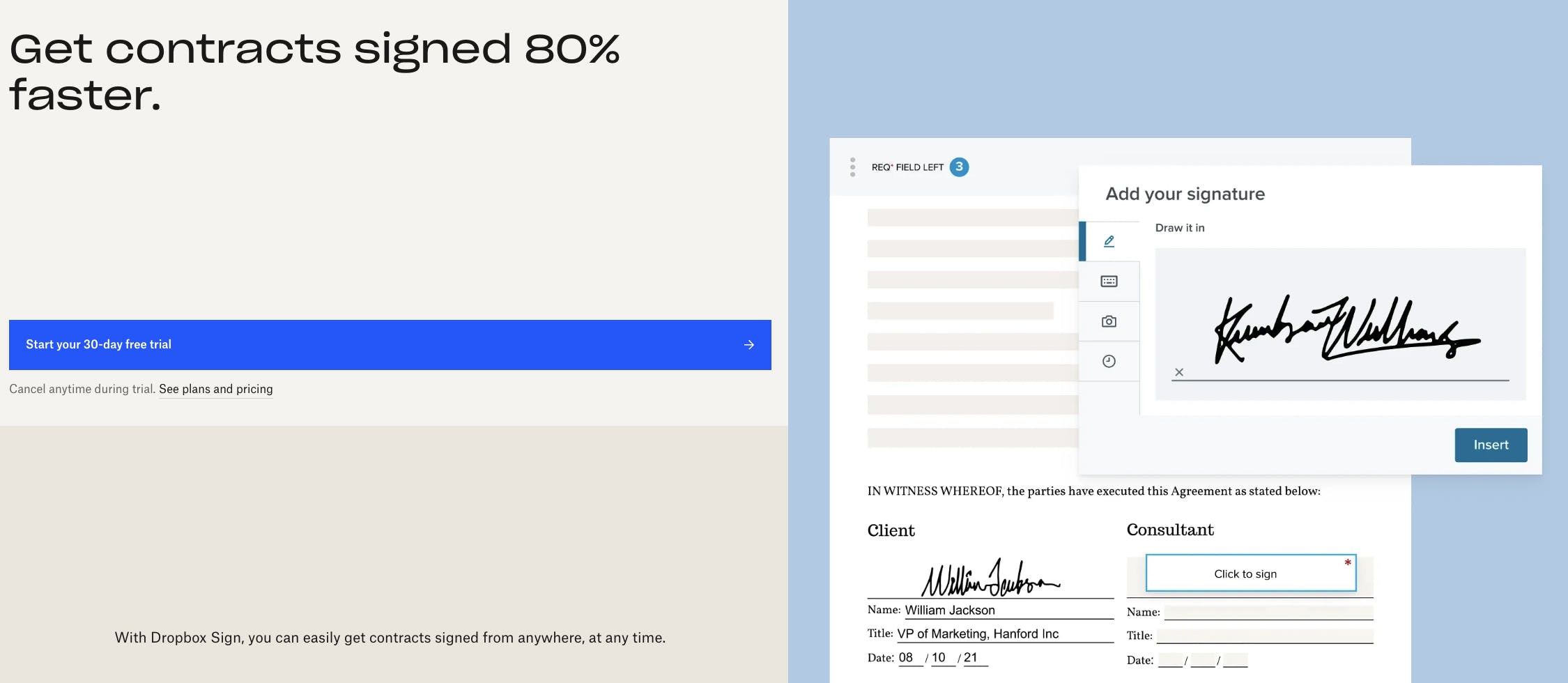
Dropbox Sign, previously HelloSign, is a good alternative to Xodo Sign if you use Dropbox to store documents in the cloud. It integrates seamlessly with Dropbox, letting you send and manage eSignatures without switching platforms.
Other features include document signing reminders, signee verifications, reusable templates and audit trails. You can also optimize eSignature workflows with Dropbox Sign's API.
Key differences with Xodo Sign
Xodo Sign is generally an easier platform to use than Dropbox Sign, making it a suitable option for smaller businesses that are new to eSignature workflow automation.
Dropbox Sign scores points when it comes to integrations, offering native connections for Slack, HubSpot and other business tools. Xodo Sign relies heavily on Zapier for integrations, which requires a steeper learning curve.
Both platforms offer free trials, allowing you to sample features for a limited time. However, Dropbox Sign's is longer than Xodo Sign's (30 days vs. 14 days).
Price comparison
Dropbox Sign's Standard plan, which is similar to Xodo Sign's Professional plan, costs $30 per user per month (for 2-5 users), making it $2 less expensive. You'll need to contact Dropbox for a custom quote if more than five team members want to use the platform.
Dropbox Sign has a free tier that lets you send three free documents for signing per month, which is the same as Xodo Sign.
How does Dropbox Sign rate?
PandaDoc
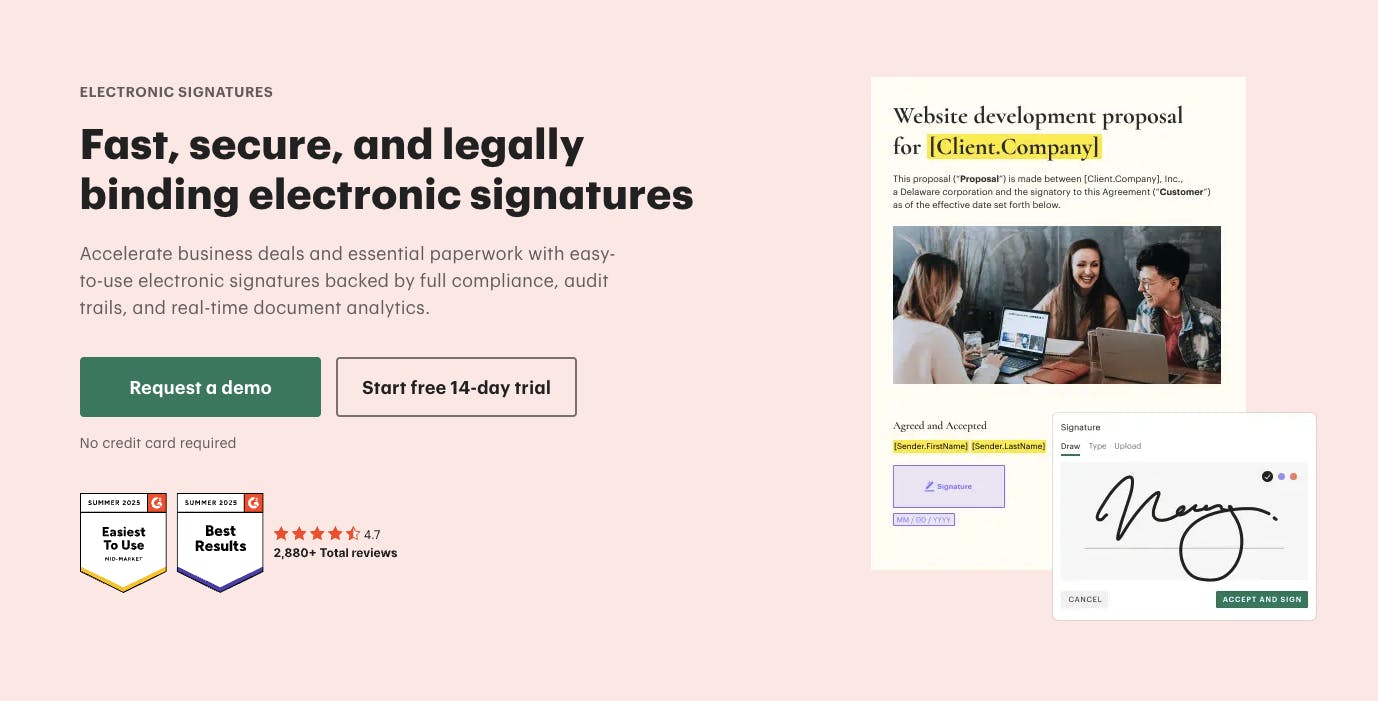
The final Xodo Sign alternative on this list is PandaDoc, an eSignature workflow automation solution that boasts loads of features. Like Xodo Sign, it lets you collect legally binding signatures digitally, meaning you no longer have to print and send paperwork in the mail.
Thanks to its drag-and-drop editor and pre-built templates, creating documents for signing is simple. You can then send them to recipients and track their progress in real time.
Key differences with Xodo Sign
PandaDoc has more than 1,000 templates, so you can create professional-looking legal agreements and other documents without having to start from scratch. Xodo Sign also has a template library, but it's far less extensive.
You'll find fewer analytical tools on Xodo Sign compared to PandaDoc. For example, the latter lets you track when and how much time signees spend on each page of a document, which can help you understand engagement.
PandaDoc offers a 7-day free trial, which is less than Xodo Sign's 14-day free trial.
Price comparison
PandaDoc's Business plan, which is similar to Xodo Sign's Professional plan, costs $65 per user (or 'per seat') per month. This is $33 more expensive.
How does PandaDoc rate?
How to find the perfect eSignature tool
While Xodo Sign is an effective eSignature workflow automation platform with numerous features, you may find that it lacks advanced features for more complex workflows. Other tools, such as Lumin Sign and PandaDoc, might be a much better fit, but you'll want to compare pricing, integrations and other factors before making a decision.
One of the best ways to compare Xodo Sign with other tools is to sign up for free trials across different platforms. This way, you can see which solution works best for your team. You can also delve deeper into reviews on G2, Trustpilot and other sites to get a better idea of how each platform performs.
Share this post