How SaaS tools can improve distance learning for students
author
Lumin staff
published
Nov 19, 2025
categories
PDF editing
read time
5 mins

Distance learning has been on the table for decades, but it's only since the onset of the pandemic that we've started digging in. Digital-first learning is where Software as a Service – also known as SaaS – shines.
Table of Contents
1. Why should schools use SaaS tools?
2. Which SaaS tools are schools using?
- 1. Why should schools use SaaS tools?
- 2. Which SaaS tools are schools using?
share this post
The lockdowns of 2020 are starting to look like a thing of the past, but so is the technology we used pre-pandemic. Learning how to use online systems is now a necessity for work, life admin and even relaxation. Do you enjoy Netflix? Do you use a Ring for security? Have you ever used Turnitin to hand in an assignment?
SaaS is software that has no physical connection to any one device; i.e., it's accessed online in the cloud instead of being installed on your device. Cloud-based applications such as Microsoft 365 and Google Drive are examples of SaaS. They're easy to use, offer a range of functionality and can be accessed from any device at any time.
A school’s fundamental job is to prepare students so they can thrive as they reach adulthood. Due to the rapidly-growing tech stacks of most companies, adulthood is going to require some basic digital literacy. Schools should be teaching students to become familiar with SaaS tools.
Why should schools use SaaS tools?
With digital accessibility more widespread than ever before, now is the perfect time to embrace technology in the classroom.
Accessibility
One of the biggest advantages of SaaS is that it has no physical connection to any one device. Gone are the days when someone would have to physically install Microsoft Word on a whole set of class computers. With a simple log-in, every student can have access to everything they need on any device – and from anywhere in the world.
A safety net
In the old days, a computer crash could mean your work was lost forever. With web-based software, your work can be saved to the cloud – often automatically – so if something goes wrong with your device the work remains safe. It also means you can switch between devices. If a student forgets to bring a computer to school (should they need one), their work can still be accessed from another device.
Collaboration
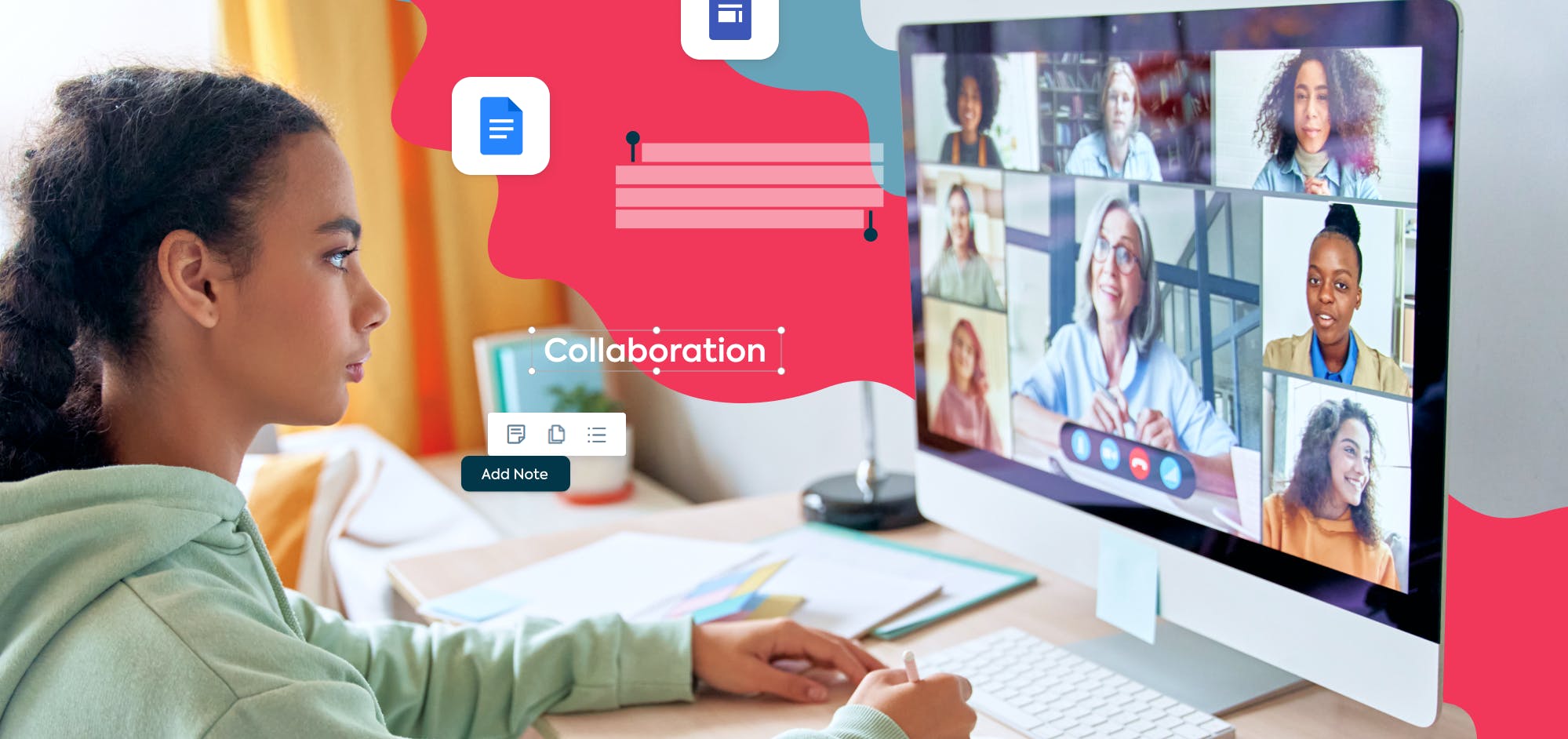
Whether working together in-person or remotely, students can use cloud-based software to share folders and files with each other. They can even work on the same document at the same time! Collaboration is easier than ever thanks to cloud-based software; it's no longer necessary to be in the same physical location to do group work or participate in discussions.
Better tools
SaaS isn't just more practical; it also looks cooler. Both teachers and students can use SaaS tools to create beautiful presentations on Canva, easy-to-follow PDFs with Lumin, or even embed interactive elements like a fillable form or quiz.
Stay in the loop
When we're sick, we're physically unable to attend school. We should take time off to rest, but in the case where a student is well enough to study but too infectious to go into school, e-learning means they won't miss out on vital learning. Class or lecture recordings, downloadable slides and PDF handouts can ensure all the information students need to succeed is right there in the cloud.
Which SaaS tools are schools using?
Edsby
One good K-12 product is Edsby, an ecosystem for students and teachers to work together virtually. You can create groups to share work, assess work, and manage some basic admin. Most importantly for the younger set, there's a feature for parents that allows them to follow the progress of their children and communicate more easily with the teacher.
Class Dojo
It's free, and it's allegedly used by 9 out of 10 US schools. Class Dojo is a platform for sharing school-related content: pictures and videos from field trips and labs, updates from teachers, snippet from lessons; it's basically Facebook for schools.
Edmodo
While Class Dojo is lighter and more community focused, edmodo has a more mature look; it's better suited to secondary schools. It keeps teachers, students and parents in the loop on educational updates, and allows teachers to view and access resources created by their peers globally.
Google Drive
It's the big one. Google Drive has everything you could need to get work done: a word processor, a spreadsheet editor, a slide presentation creator, and even a survey maker. It's free and easy to set up for teachers and students alike.
Lumin
For schools that have recently gone digital, Lumin is a godsend. It contains an OCR tool so handwritten notes and scanned books can be searched and edited on a computer, as well as plenty of collaborative features; so those scanned documents never need to be printed again. It also integrates with Google Drive, so you can kill two birds with one piece of software.
share this post