How to eSign a document in 90 seconds
author
Josie Adams
published
Nov 19, 2025
categories
PDF editing
read time
90 seconds

Why are we using computers for everything else, but still putting wet signatures on paper? There has to be a better way. The next time someone sends you a contract, don't print it - eSign it! Here's how.
share this post
It's time to bring your signature into the future. "But wait," you're saying, "I don't have an e-pen!" My friend, where we're going you won't need one. Welcome to the world of eSignatures, where anything can be a pen.
You don't need to print, sign and scan contracts anymore. You don't need to take a poorly-lit photo of your signed contract and attach it to an email. If you want to get really hip, you barely even need to email anymore. So throw out all your office machinery and step forward into the modern world.
Your signature is a big deal, but it doesn't need to be a big hassle. Here's how to get eSigning in 90 seconds using Lumin.
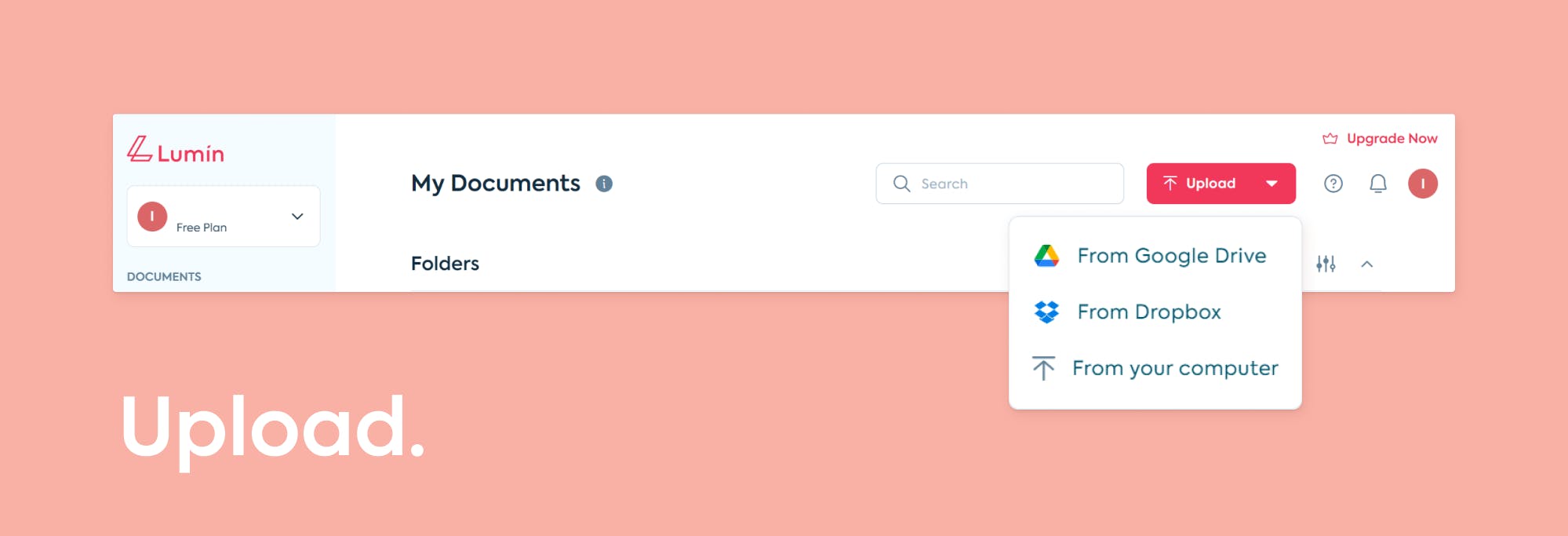
1. Upload your document to Lumin directly, add it from Google Drive or Dropbox, or choose a form from our Template Discovery.
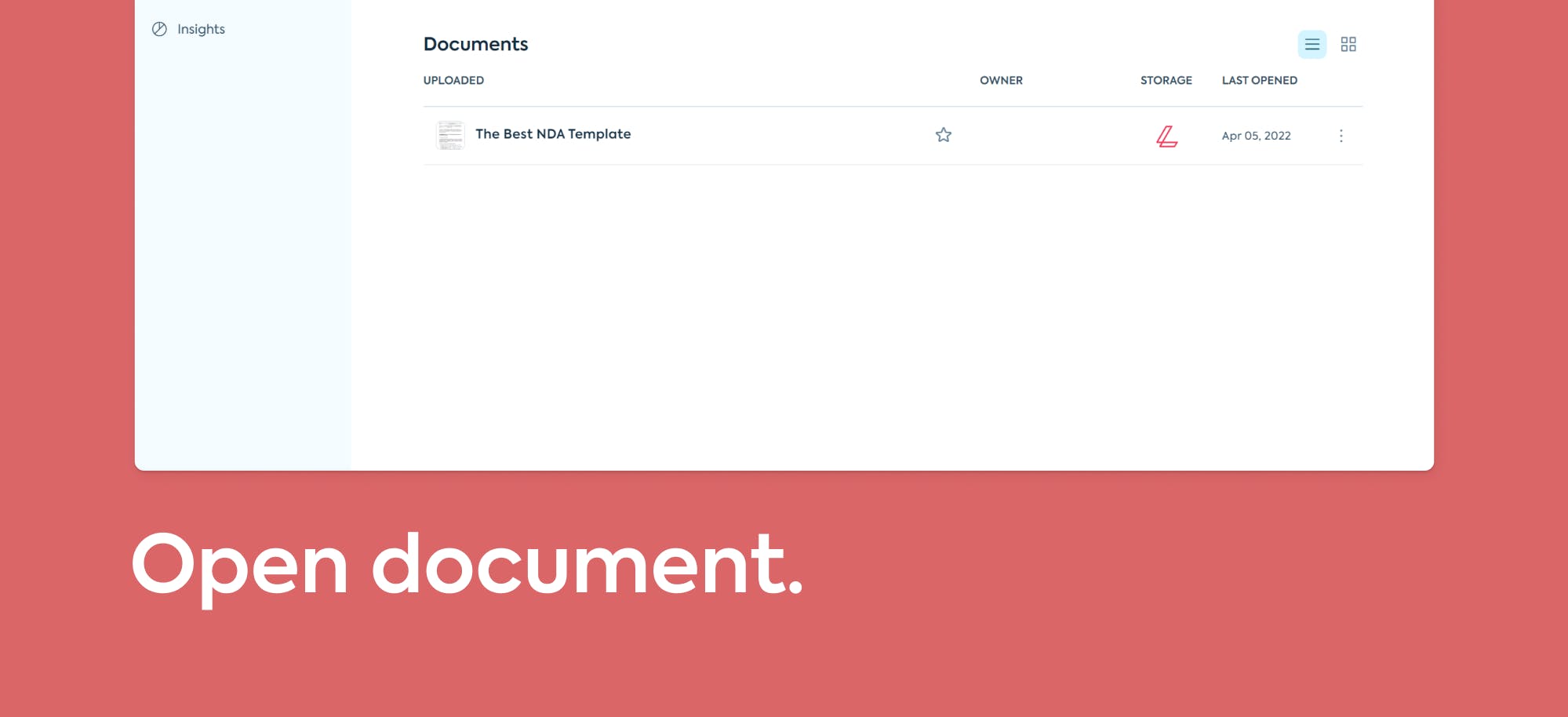
2. Your document will appear in your library
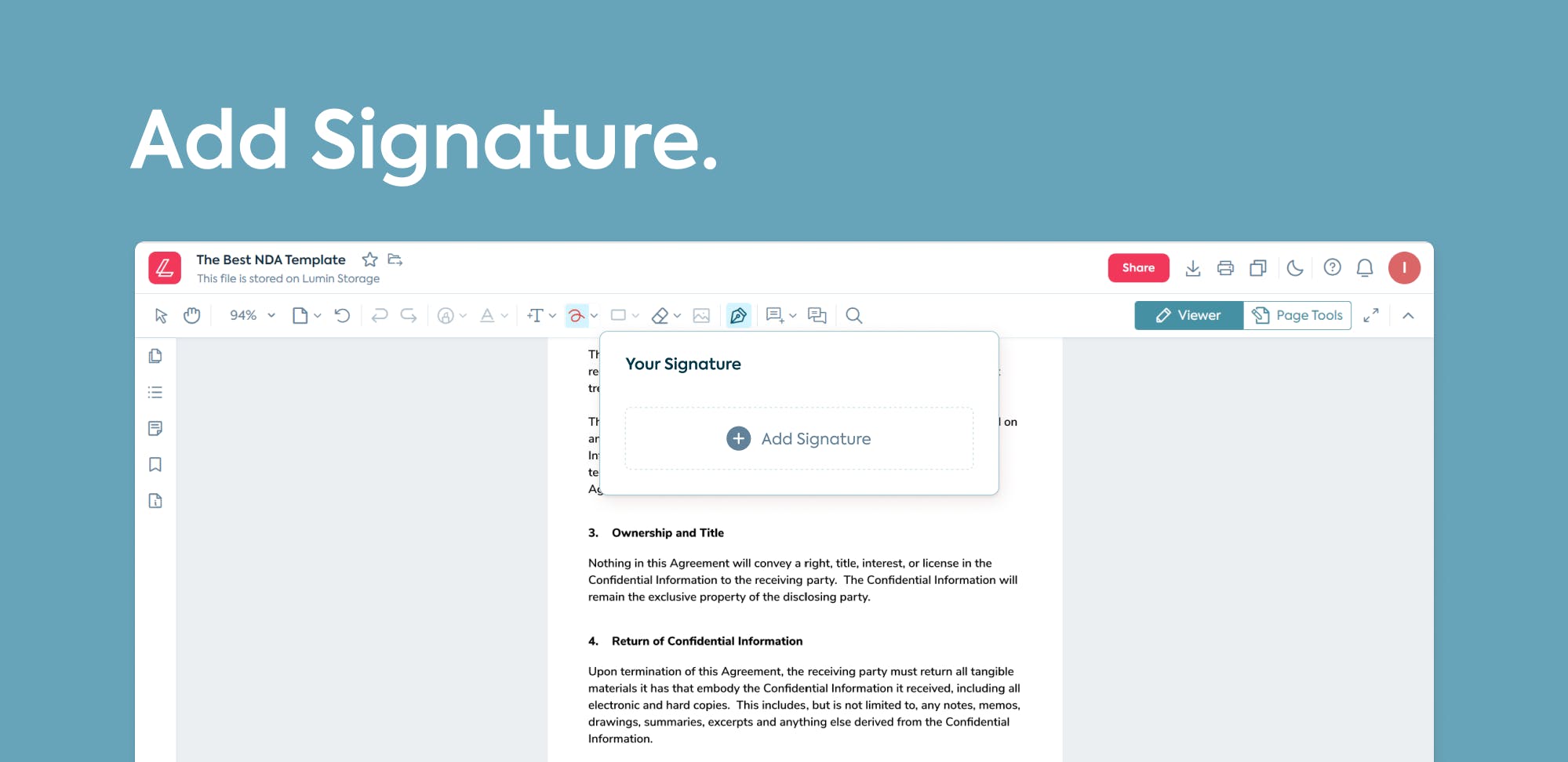
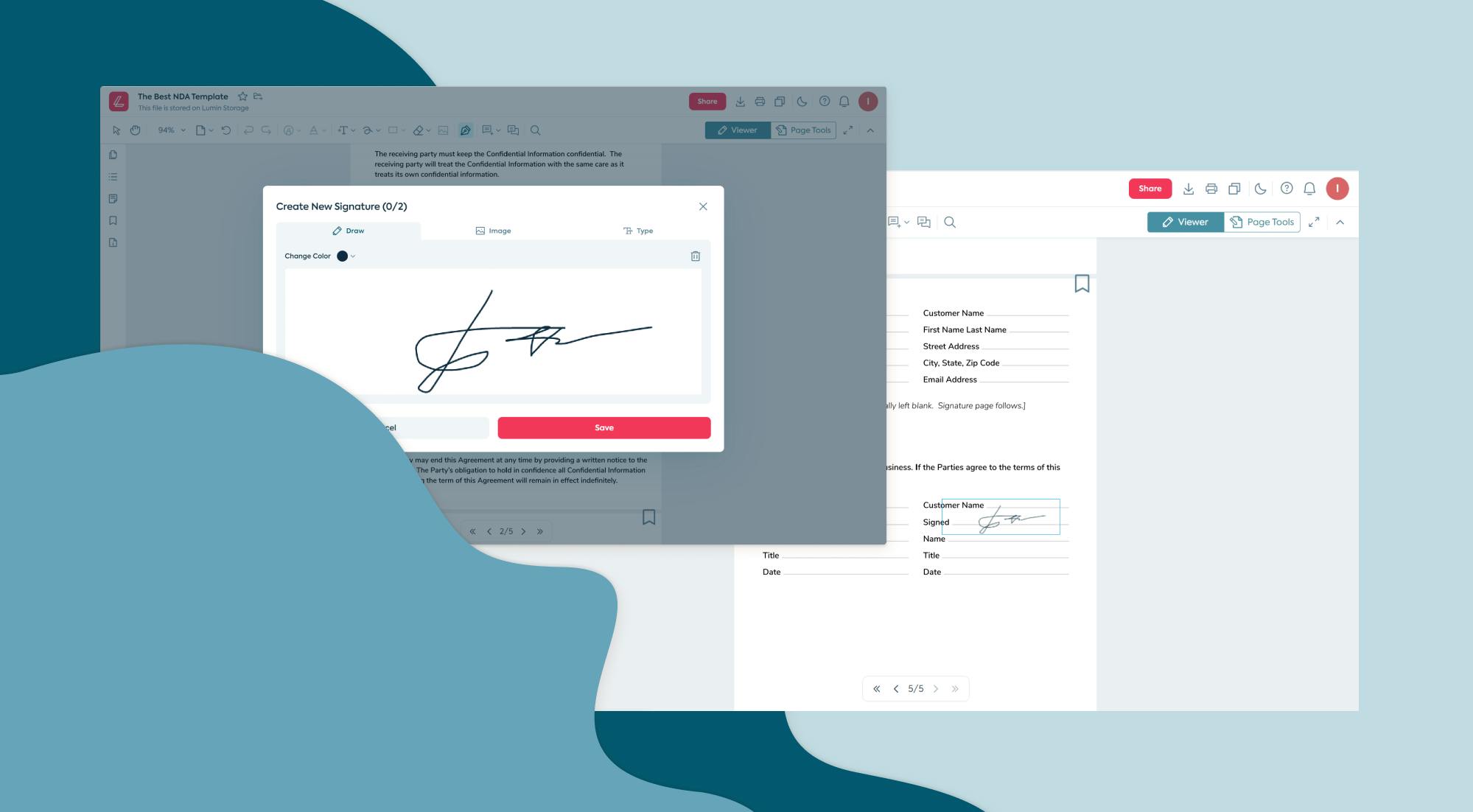
3. Click the Signature tool - it looks like the word "sign". Draw or type your signature, or upload a photograph of it.
4. Resize your signature to fit the space.
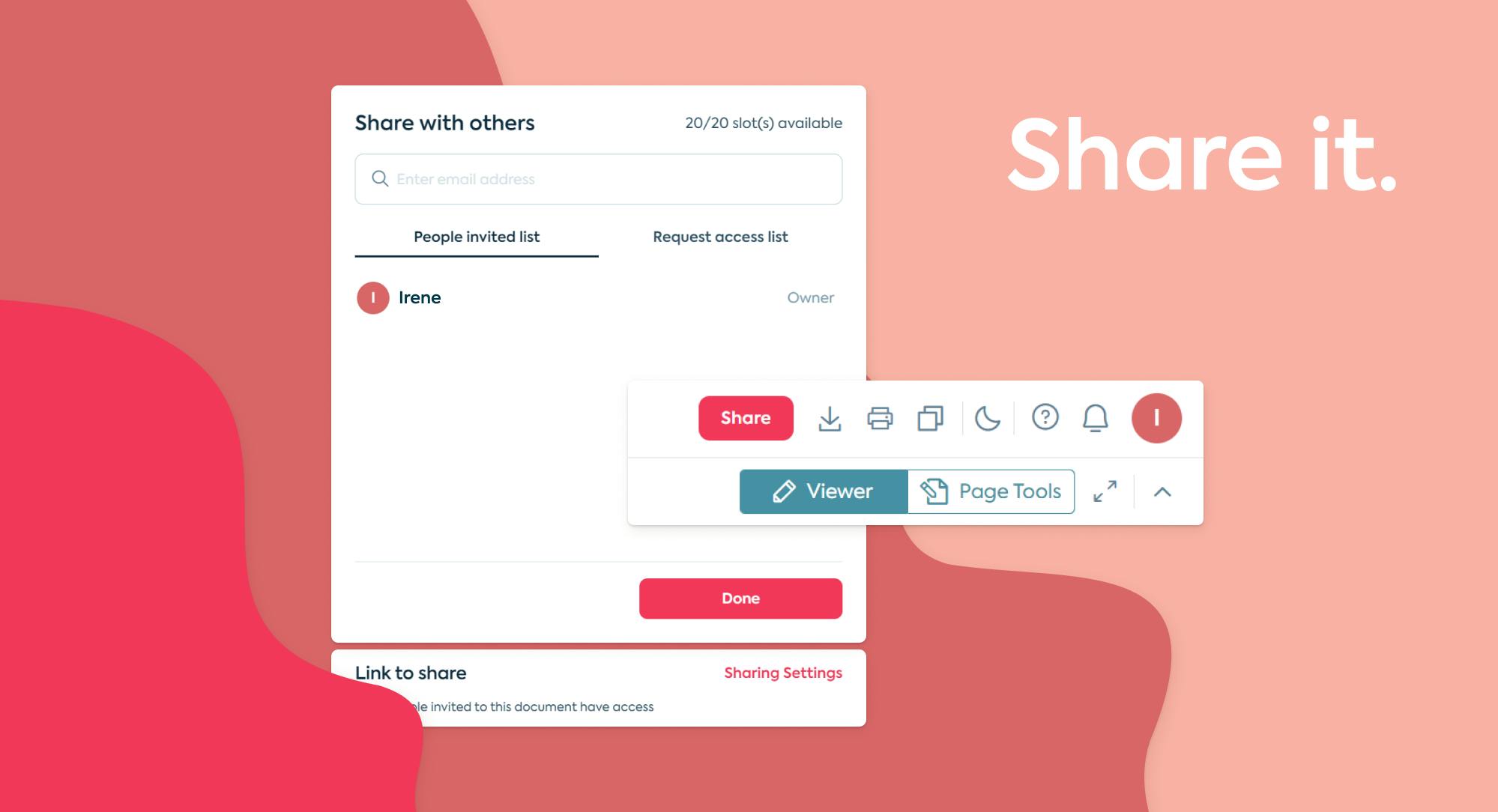
5. Share your document with other Lumin users, sync it back to Google Drive, or download it and attach to an email. Done!
If you don’t already have a Lumin account, making one is a matter of a few clicks and gives you access to a ton of features that go beyond eSignatures.
- Annotation tools like highlight and draw help you point to where people need to sign or initial.
- Auto-sync with Google means your eSigned contracts will automatically save themselves in your Google Drive.
- Sign on the go. Start editing a document in your web browser and finish it on the bus using our mobile app.
- Edit text so your contract stays updated.
share this post